Best Gaming Laptops: Top Picks for Performance and Portability

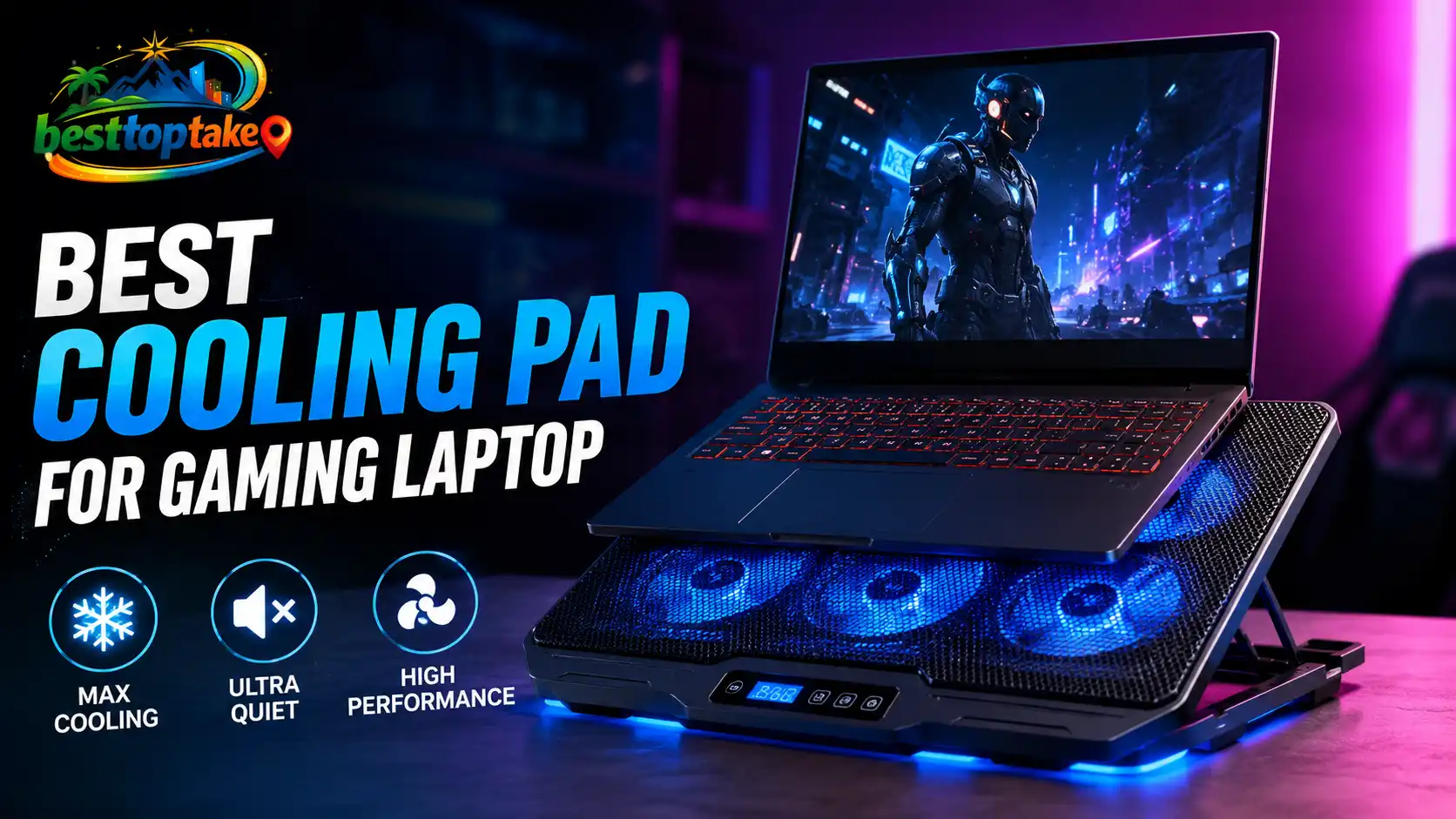
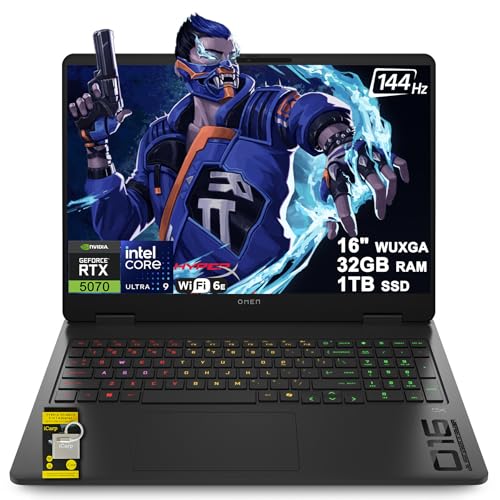
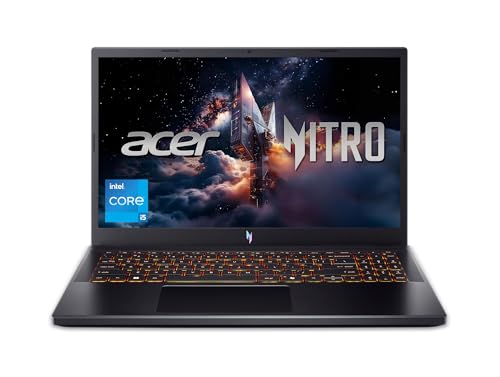
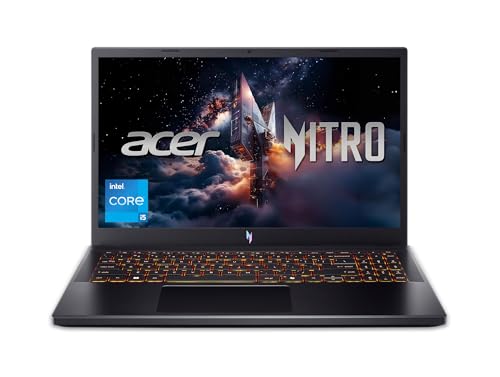
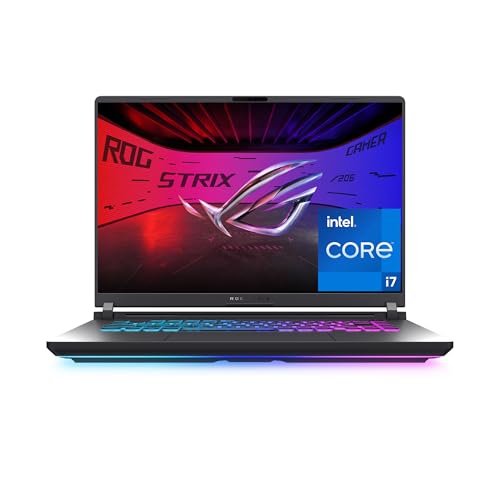
Gaming laptop with RGB keyboard displaying action game on screen, surrounded by gaming mouse, mechanical keyboard, and headset with blue and purple neon lighting. Text overlay reads 'Best Gaming Laptops: Top picks

Finding the perfect gaming laptop can change your daily life. You might be grinding through intense multiplayer battles, exploring vast open worlds, or streaming your gameplay to an audience. With so many options, picking the right one feels overwhelming. Graphics power, cooling efficiency, and display quality – they all matter. We’ve spent weeks testing the … Read more

Laptop Very Slow on Startup? 8 Fast Fixes (2026)

Realistic blog thumbnail showing a modern laptop on a desk with a slow startup loading screen, bold text reading “Laptop Very Slow on Startup? 8 Fast Fixes,” and icons for speeding up startup, disabling unnecessary programs, cleaning system junk, and optimizing laptop performance, with a colorful logo placed in the corner.

Why is my laptop very slow on startup?The most common reasons include too many programs launching automatically, a failing or nearly-full hard drive, malware infections, or outdated Windows/drivers. The simplest fix: press Ctrl+Shift+Esc → go to Startup tab → right-click and disable everything non‑essential, then restart your laptop. I know the feeling. You open your laptop, hit the power button, and … Read more

How to Optimize Laptop Performance and Make Your Computer Run Faster Again

Realistic blog thumbnail showing a modern gaming-style laptop on a desk with a performance optimization dashboard on screen, bold text reading “How to Optimize Laptop Performance,” and icons highlighting faster boot time, system optimization, removing junk files, and improving overall speed, with a colorful logo placed in the corner.

If your laptop feels slow, freezes often, or takes too long to open apps, you can improve performance by cleaning unnecessary files, updating software, reducing startup programs, and adjusting system settings.I’ve personally used these simple methods to speed up old and new laptops without spending money on expensive upgrades right away. A slow laptop can … Read more

Laptop Running Slow After Update? Fix It Fast

Realistic blog thumbnail showing a modern laptop on a desk with a slow system performance dashboard after a software update, bold text reading “Laptop Running Slow After Update? Fix It Fast,” and icons for speeding up performance, fixing update issues, and restoring smooth laptop performance, with a colorful logo placed in the corner.

If your laptop is running slow after an update, the problem is usually caused by background processes, outdated drivers, storage issues, or corrupted system files. I recommend checking startup apps, updating drivers, clearing temporary files, and letting the update finish indexing before trying advanced fixes. A slow laptop after a Windows update can feel frustrating, … Read more

How to Free Up Disk Space on Laptop (9 Quick Fixes)

Realistic blog thumbnail showing a modern laptop on a desk with on-screen storage management interface, bold text reading “How to Free Up Disk Space on Laptop (9 Quick Fixes),” and icons for cleaning junk files, emptying trash, managing downloads, uninstalling apps, and system cleanup, with a colorful logo placed in the corner.

Start by emptying your Recycle Bin or Trash, then run your computer’s built-in cleanup tool. On Windows, search for Disk Cleanup or turn on Storage Sense. On a Mac, go to System Settings > General > Storage and follow the built-in recommendations. These two steps alone often free up 10–20 GB in under five minutes. The problem nobody warns you … Read more