How to Cool Down a Laptop Quickly: 7 Instant Fixes

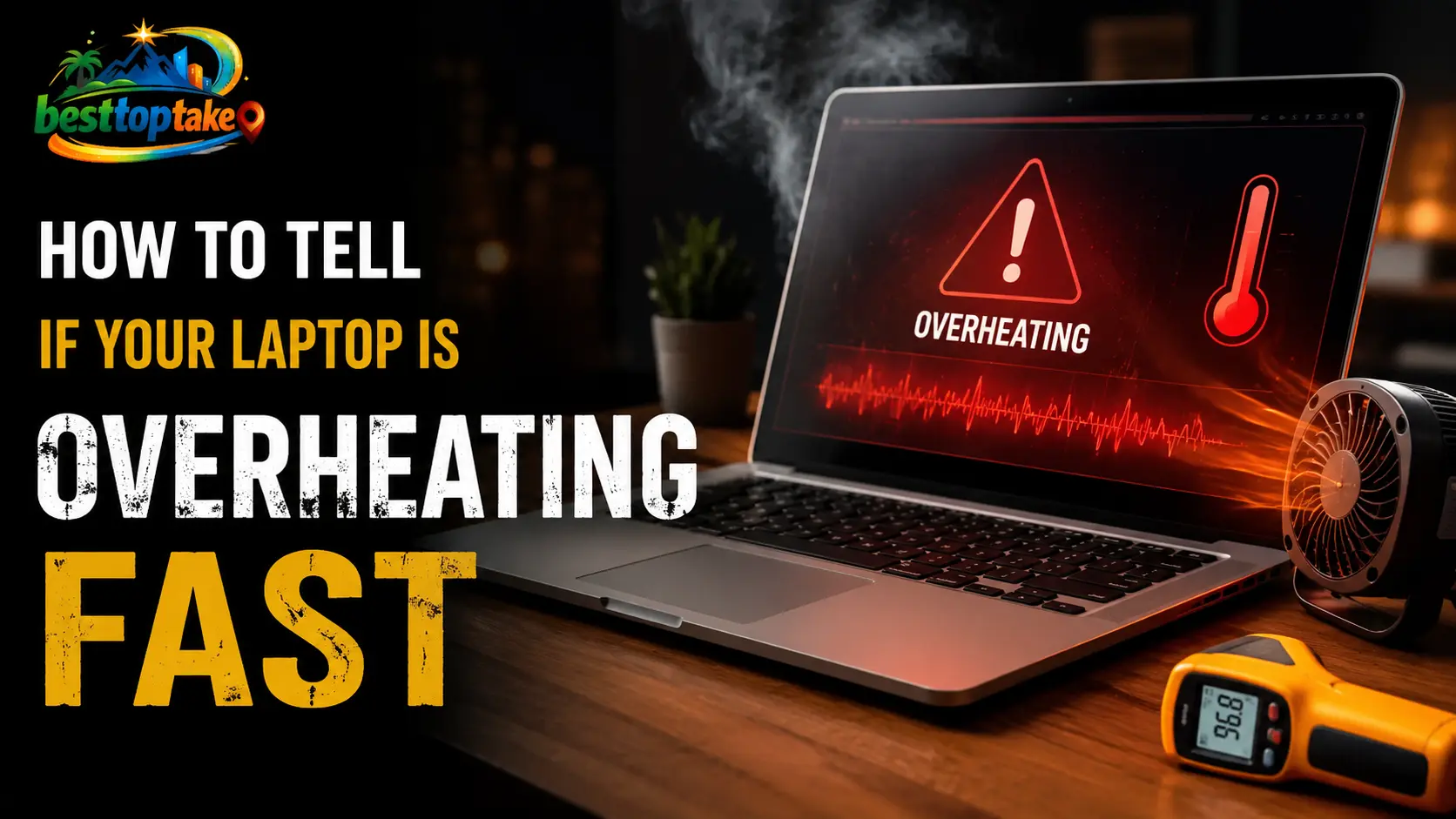
A realistic blog thumbnail showing an overheating laptop with smoke effects and a red warning symbol on the screen, while blue cooling airflow glows beneath the laptop. Bold text reads “How to Cool Down a Laptop Quickly: 7 Instant Fixes,” with the BestTopTake logo in the top-right corner.

Hearing your laptop fan sound like a jet engine while the chassis grows painfully hot is stressful. When internal temperatures spike, your system initiates thermal throttling to protect itself, resulting in severe lag, freezing, or a sudden emergency shutdown. If you are in the middle of an important workday or an intense gaming session, you … Read more

How to Disable Startup Programs Windows 11 (2026 Fix)

Realistic blog thumbnail showing a Windows 11 laptop on a desk with startup apps settings screen, bold text reading “How to Disable Startup Programs Windows 11 (2026 Fix),” and icons representing turning off apps, improving performance, and faster boot time, with a colorful logo placed in the corner.

Waiting for a sluggish laptop to turn on is incredibly frustrating. If your PC takes several minutes to become usable after pressing the power button, background applications are almost certainly the culprit. Knowing exactly how to disable startup programs Windows 11 runs in the background is the fastest, easiest, and most effective way to reclaim … Read more

How to Remove Unnecessary Files from Laptop (Windows & Mac)

Realistic blog thumbnail showing a modern laptop on a desk with a storage management screen for Windows and Mac, bold text reading “How to Remove Unnecessary Files from Laptop (Windows & Mac),” and icons for deleting temp files, emptying trash, cleaning downloads, uninstalling unused apps, and optimizing storage, with a colorful logo placed in the corner.

Yes, you can safely remove unnecessary files from your laptop in under 15 minutes. The fastest method: use Disk Cleanup (Windows) or Storage Management (macOS) to delete temporary files, system junk, and old downloads. Then uninstall unused apps and empty the Recycle Bin. For most users, this frees 5–30 GB instantly without any paid software. Why Removing Unnecessary Files from … Read more