
Buying a gaming laptop is a big decision. You want smooth gameplay, good graphics, reliable cooling, and enough power to enjoy your favorite games without spending more than necessary. The problem is that almost every manufacturer claims its laptop delivers the best gaming experience.
So, what is the best gaming laptop in 2026?
The answer depends on your budget, the games you play, and how you plan to use your computer. A powerful 18-inch laptop may be excellent for someone who games at a desk, while a lightweight 14-inch model makes more sense for students and frequent travelers. If value matters most, you may not need an expensive flagship at all.
In this guide, I’ll compare leading gaming laptop options, explain their strengths and weaknesses, and show you what to check before buying. My goal is to help you choose a laptop that fits your needs rather than simply recommending the most expensive machine.
Quick Answer: What Is the Best Gaming Laptop?
The HP Omen Max 16, Razer Blade 16, Lenovo Legion series, and ASUS ROG Zephyrus G14 are worth considering for different reasons. The HP Omen Max 16 is a strong all-round candidate, the Razer Blade 16 targets premium buyers, Lenovo Legion models offer compelling performance-focused options, and the Zephyrus G14 suits people who want gaming power in a smaller package.
However, no single model is the best choice for everyone. Compare the exact GPU, cooling system, display, price, and warranty before making your decision.
Best Gaming Laptops in 2026 at a Glance
Here is a quick comparison of models worth investigating. These are recommendations by category based on published reviews and product positioning, not a claim that every configuration has been independently tested by BestTopTake.
| Gaming laptop | Best for | Main advantage | Main drawback |
|---|---|---|---|
| HP Omen Max 16 | Overall performance | Powerful configurations and a balanced design | High-end versions can be expensive |
| Lenovo Legion 5 / Legion Pro series | Value and performance | Several configurations for different budgets | Specifications vary considerably |
| Razer Blade 16 | Premium gaming | Refined design and high-end display options | Premium pricing |
| ASUS ROG Zephyrus G14 | Portable gaming | Compact size and strong performance for its class | More expensive configurations and limited upgrade flexibility |
| ASUS ROG Strix Scar 18 | Large-screen gaming | High-performance hardware and a spacious display | Heavy, bulky, and expensive |
| MSI Raider A18 series | Desktop-replacement gaming | High-end components for demanding workloads | Limited portability |
Before purchasing, check the exact model number and configuration. Two laptops sold under the same product family can have different graphics cards, displays, memory, and cooling performance.
1. HP Omen Max 16: A Strong Overall Gaming Laptop
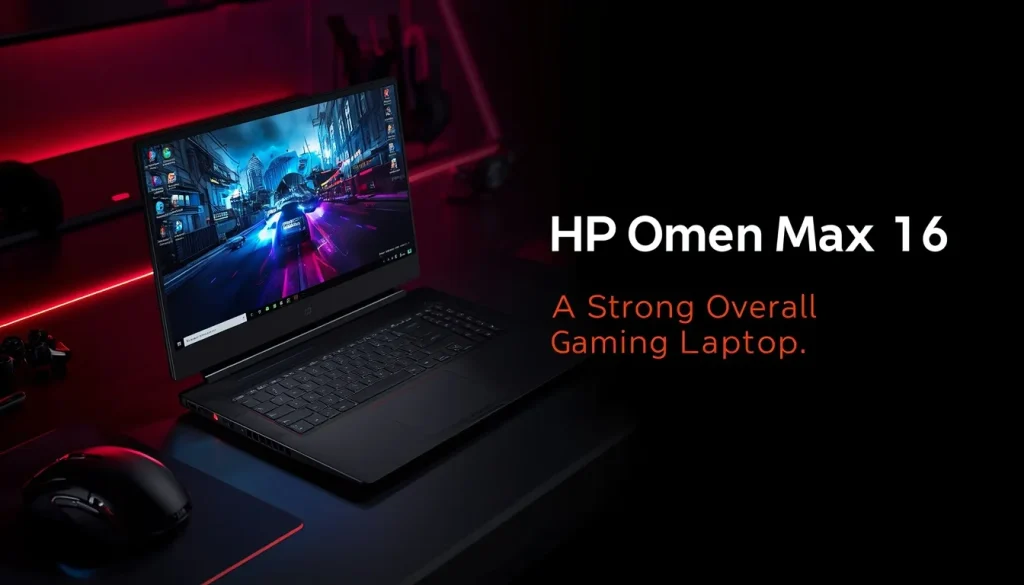
The HP Omen Max 16 deserves attention if you want a powerful gaming laptop without moving to an oversized 18-inch machine.
Depending on the configuration, this laptop family offers high-performance processors, dedicated NVIDIA graphics, and display options designed for demanding games. Higher-end configurations are especially attractive to gamers who want strong graphics performance alongside a screen suitable for competitive and immersive gaming.
Why consider the HP Omen Max 16?
- Powerful CPU and GPU configurations are available.
- The 16-inch screen provides a useful balance between gaming space and portability.
- Higher-end configurations can handle demanding modern games when settings are chosen appropriately.
- It can also suit video editing and other GPU-intensive work.
What should you watch out for?
Price is the main concern. A premium configuration can cost considerably more than a midrange gaming laptop. Powerful components also generate heat and consume significant power, so fan noise and battery life deserve attention.
Do not assume every Omen Max 16 has the same performance. Check the graphics card, GPU power limits where available, memory, and display configuration before comparing prices.
My verdict: Consider this model if performance is your priority and your budget allows for a higher-end laptop. Compare it with competing Lenovo Legion and ASUS ROG models before paying a premium.
2. Lenovo Legion 5 and Legion Pro: Strong Alternatives for Value
Lenovo Legion laptops are worth comparing if you want gaming performance without automatically choosing the most expensive flagship.
The Legion range includes different price and performance levels. A standard Legion 5 may suit someone looking for a balanced gaming machine, while a Legion Pro configuration may offer more powerful components and additional features for demanding games.
What makes Lenovo Legion worth considering?
- A range of configurations allows buyers to compare different budgets.
- Certain models offer high-refresh-rate displays suitable for competitive gaming.
- Performance-focused designs can provide a good balance of cooling and gaming capability.
- Some configurations are also suitable for programming, creative work, and everyday productivity.
Where might a Legion laptop fall short?
The name alone does not tell you how powerful a laptop is. An entry-level configuration and a high-end Legion Pro can perform very differently.
Pay attention to the GPU, display resolution, cooling design, memory, and total price. Also compare the laptop’s weight and power adapter size if you intend to carry it regularly.
My verdict: Put Lenovo Legion models on your shortlist if you want a performance-focused laptop and are willing to compare configurations rather than buying based on branding alone.
For more background, read this guide to choosing a gaming laptop.
3. Razer Blade 16: A Premium Gaming Choice
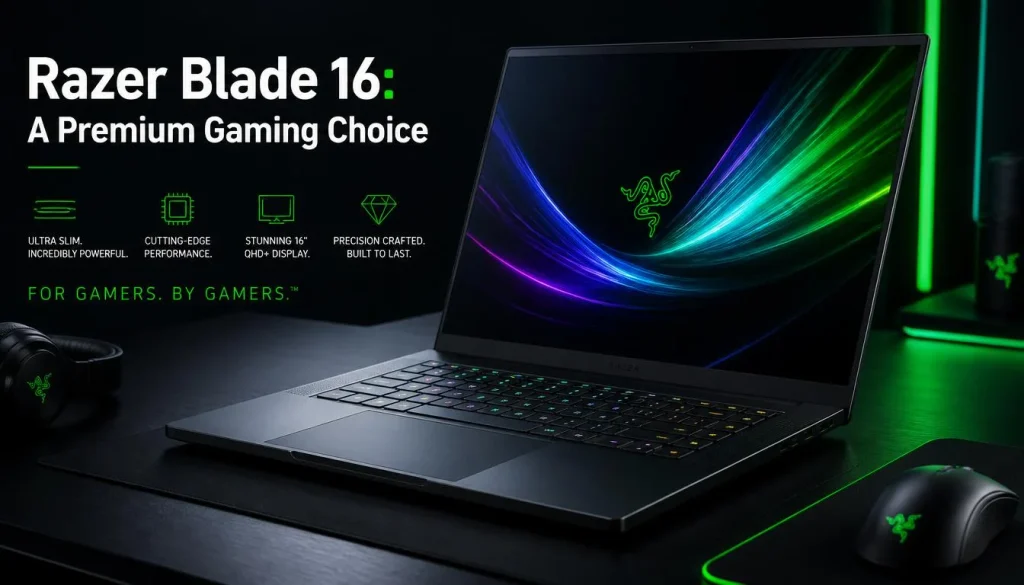
The Razer Blade 16 is aimed at buyers who want high-end gaming performance in a refined, relatively portable design.
Depending on the configuration, it can combine powerful dedicated graphics, a premium display, and a quality chassis. That combination may appeal to gamers who also use their laptop for creative work or professional tasks.
Reasons to consider the Razer Blade 16
- Premium build and design.
- High-end graphics configurations.
- Display options suited to gaming and media.
- A more understated appearance than some heavily styled gaming laptops.
What are the disadvantages?
The biggest issue is price. You may pay significantly more for a premium design than you would for a laptop delivering comparable gaming performance.
Before buying, compare the actual graphics configuration, sustained performance, cooling, warranty, and upgrade options. Also consider whether the premium display and chassis justify the extra cost for your needs.
My verdict: The Blade 16 makes the most sense when build quality, design, and premium features matter alongside gaming performance. It is not automatically the best value for a buyer focused mainly on FPS per dollar.
4. ASUS ROG Zephyrus G14: Best for Portable Gaming
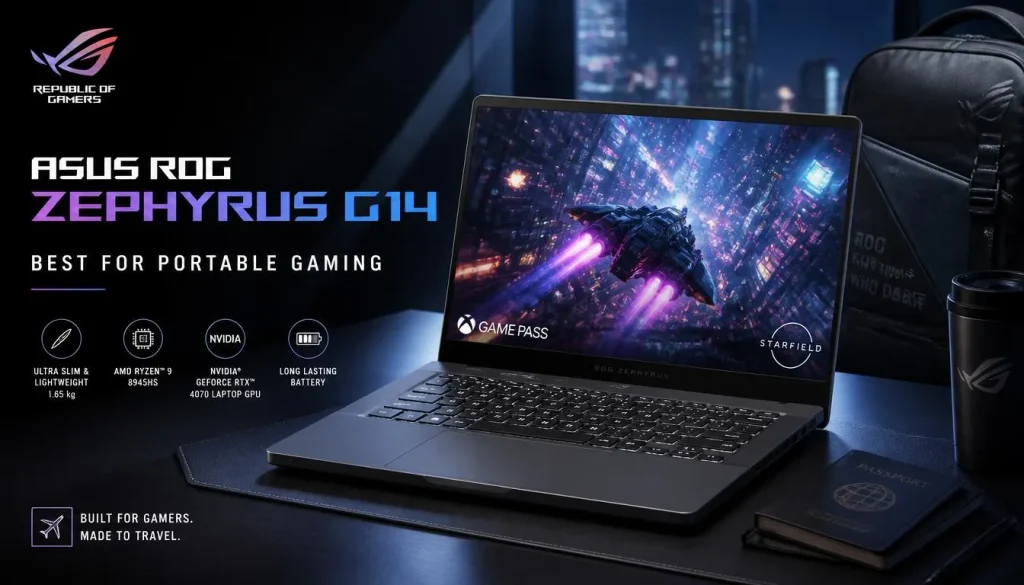
A powerful laptop is less useful if you dislike carrying it around. That is where the ASUS ROG Zephyrus G14 becomes an interesting option.
Its compact form makes it attractive to students, professionals, and gamers who travel frequently. Depending on the configuration, it can offer strong gaming performance without the size of a traditional large gaming laptop.
Why choose the Zephyrus G14?
- Compact design for travel and everyday carrying.
- A useful combination of gaming and productivity capabilities.
- High-performance configurations are available.
- Suitable for people who want one computer for study, work, and entertainment.
What should you consider first?
Smaller laptops have less physical space for cooling than many larger models. Performance, fan noise, and temperatures can vary according to the configuration and workload.
Battery life also needs careful consideration. A laptop may last considerably longer during light browsing than during demanding gaming. If you plan to game away from a power outlet, investigate independent battery tests and keep realistic expectations.
My verdict: The G14 is worth considering when portability is a major priority. If you mostly game at home and rarely move your laptop, a larger model may offer a better fit.
5. ASUS ROG Strix Scar 18: For Large-Screen Gaming
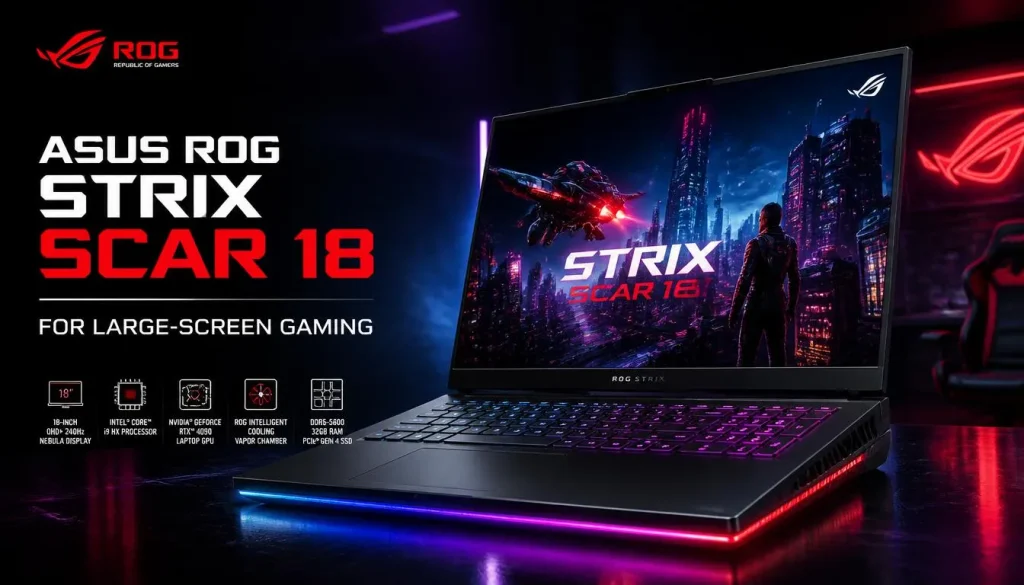
Some gamers want a laptop that stays on a desk and provides a large, immersive display. An 18-inch gaming laptop can make sense for that type of setup.
The ASUS ROG Strix Scar 18 targets enthusiasts who want powerful components and a large screen for demanding games.
Its main advantages
- Large display for immersive gameplay.
- High-performance configurations for demanding titles.
- A chassis designed around gaming hardware.
- Suitable for buyers who prioritize performance over portability.
Its main limitations
An 18-inch laptop takes up more desk space and is less convenient to carry. High-end configurations can also be expensive, and demanding components require substantial cooling.
Think about your actual setup before purchasing. If you already use an external monitor, keyboard, and mouse, a large gaming laptop may work well as a desktop replacement. If you commute with your computer every day, the size and weight may become frustrating.
My verdict: Consider the Scar 18 if you want a large-screen gaming experience and do not mind sacrificing portability.
6. MSI Raider A18 Series: A Desktop-Replacement Alternative
The MSI Raider A18 series is worth investigating if your goal is to get powerful gaming hardware in a single portable computer without expecting to carry it everywhere.
Large gaming laptops can offer substantial processing and graphics performance, depending on their configuration. They can also be useful for demanding creative workloads.
Before buying, compare the exact Raider model with competing large-screen systems. Check graphics performance, cooling, fan noise, display quality, and the total cost of the configuration.
My verdict: A desktop-replacement laptop is most attractive to people who want a powerful all-in-one setup and only move their computer occasionally. If portability and price matter more, a smaller model may be a better decision.
Gaming Laptop Performance Compared
Choosing the best gaming laptop requires more than comparing product names. The actual hardware configuration and the way a manufacturer implements it can affect performance considerably.
Graphics performance and FPS
The graphics processing unit (GPU) is one of the most important components for gaming.
A dedicated GPU is generally the right starting point for someone planning to play demanding modern PC games. However, the GPU model number alone does not guarantee identical results across laptops.
Performance can vary because of:
- GPU power limits and cooling.
- Processor choice.
- Memory configuration.
- Game optimization and graphics settings.
- Resolution and upscaling technology.
- Power mode and thermal conditions.
For a fair comparison, use benchmark results from the same game, resolution, and graphics settings wherever possible.
You can review independent testing through Tom’s Guide’s gaming laptop comparisons and RTINGS’ gaming laptop recommendations.
Display quality and refresh rate
A high refresh rate can make motion look smoother, especially in competitive games. However, a 240Hz screen is not automatically better for every buyer than a good 165Hz screen.
Consider the types of games you play, the frame rates your laptop can realistically deliver, screen resolution, brightness, response time, and panel quality.
For visually demanding single-player games, image quality and resolution may matter more than chasing the highest possible refresh rate.
Cooling and sustained performance
A laptop that produces impressive results for a short benchmark may perform differently during a long gaming session.
Good cooling helps manage heat and can reduce the risk of thermal throttling. Fan noise, keyboard temperature, and sustained performance are all worth checking in independent reviews.
If your current laptop struggles with heat, see our guide on how to optimize your gaming laptop for maximum performance.
Gaming Laptop Battery Life Compared
Battery life is one area where gaming laptop expectations often need adjusting.
A gaming laptop may last several hours during browsing or document editing but run down much faster during demanding gameplay. The GPU, screen brightness, refresh rate, power settings, and game all affect battery consumption.
When comparing battery life, look for two separate measurements:
- Everyday-use battery life: Useful for browsing, studying, and office work.
- Gaming battery life: More relevant when playing games away from a power outlet.
Do not compare one laptop’s gaming-runtime figure with another laptop’s light-use result. They measure different workloads.
Also check whether the laptop reduces performance when running on battery. Many gaming laptops deliver their best performance when connected to the supplied power adapter.
If battery longevity is a concern, read our guide on whether you should limit your laptop battery to 80%.
Which Gaming Laptop Is Right for Your Needs?
The right laptop depends on what you play and where you use it.
For competitive games
If you mainly play esports titles, prioritize consistent frame rates, a responsive display, good cooling, and a comfortable keyboard. You may not need the most expensive GPU available.
For demanding AAA games
If you want to play visually demanding games, pay close attention to GPU performance, available video memory, cooling, and the resolution you intend to use.
Check independent benchmarks for the actual games you play rather than relying solely on general performance claims.
For gaming and everyday work
A laptop used for both gaming and productivity should have a comfortable keyboard, a good display, sufficient memory, and enough storage. Portability and battery life become more important if you take it to school, college, or work.
For long-term ownership
Look for a strong warranty, accessible service, good cooling, and upgrade options where available. Many gaming laptops allow some RAM or SSD upgrades, but this depends on the model. A laptop’s GPU generally cannot be upgraded like a desktop graphics card.
What to Check Before Buying a Gaming Laptop
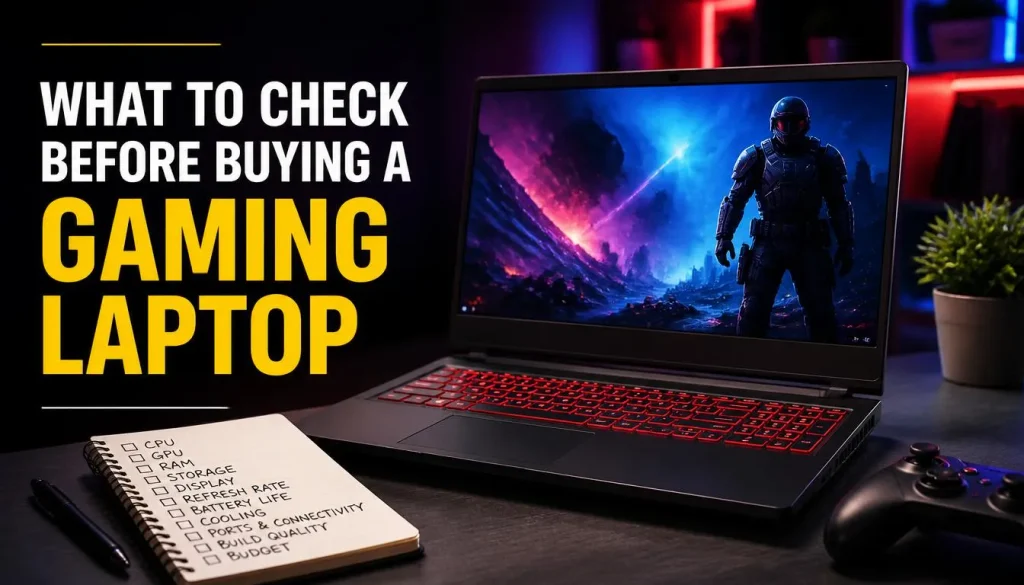
Before paying for a gaming laptop, review these points.
1. GPU and CPU: Match the hardware to your games and preferred resolution. Do not buy based on the GPU name alone.
2. RAM: At least 16GB is a sensible starting point for many current gaming systems. Consider 32GB if your games, multitasking, or creative workloads justify it.
3. Storage: An SSD is essential for a responsive experience. Compare capacity against the size of your game library, and check whether additional storage can be installed later.
4. Display: Compare resolution, refresh rate, brightness, and panel quality.
5. Cooling: Read long-session reviews, paying attention to sustained performance and fan noise.
6. Portability: Check the laptop’s weight and the size of its power adapter.
7. Warranty and returns: Confirm local warranty coverage, return conditions, and service availability before purchasing.
For a more detailed buying checklist, read our complete guide on what to look for in a gaming laptop.
Gaming Laptop Prices and Availability in the USA, UK, Canada, and Australia
The same laptop family may be sold with different hardware configurations and prices in different countries. A model available in the United States may not have the same specifications or price as the version sold in the United Kingdom, Canada, or Australia.
Before buying, compare local listings rather than converting a US price and assuming the result represents the local retail price.
- USA: Compare US dollar prices, sales, return policies, and warranty coverage.
- UK: Check pound sterling prices, retailer support, and the exact UK configuration.
- Canada: Compare Canadian dollar prices and confirm local service availability.
- Australia: Check Australian dollar pricing, warranty conditions, and available configurations.
Look at the complete cost, including taxes where applicable, shipping, and any accessories you need. A discounted laptop is not necessarily the better purchase if it has a weaker GPU, less memory, or a display that does not meet your needs.
Other Gaming Laptops Worth Considering
The models above are not your only options. Other configurations from Lenovo Legion, ASUS ROG, Acer Predator, MSI, HP Omen, and Alienware may offer better value depending on current prices and availability.
When comparing alternatives, ask three questions:
- Does the alternative deliver similar gaming performance?
- Does it offer a better display, cooling system, warranty, or upgrade path?
- Is the price difference large enough to justify choosing it?
I recommend checking multiple independent reviews before making a final decision. Product rankings can differ because reviewers use different test methods, configurations, and priorities.
For example, TechRadar’s 2026 gaming laptop guide and Tom’s Guide’s tested recommendations provide additional comparisons.
How We Evaluate Gaming Laptop Recommendations
A useful gaming laptop recommendation should explain why a model suits a particular buyer instead of simply repeating its marketing claims.
For this guide, the selection criteria include:
- Processor and graphics capability.
- Independent gaming benchmark results.
- Display quality and refresh rate.
- Cooling and sustained performance.
- Battery life under different workloads.
- Portability, build quality, and upgrade options.
- Price and availability in the target market.
The product descriptions and recommendations draw on published reviews and available product information. They should not be interpreted as a claim that BestTopTake personally purchased and tested every laptop listed.
Before publication or purchase, verify the exact configuration, current pricing, and availability. Independent test results should also be checked against the specific model being considered.
Frequently Asked Questions
What is the best gaming laptop in 2026?
There is no universal winner for every buyer. The HP Omen Max 16, Razer Blade 16, Lenovo Legion models, and ASUS ROG Zephyrus G14 are useful starting points for comparing overall performance, premium features, value, and portability. Your budget and the games you play should determine the final choice.
Is the most expensive gaming laptop always the best?
No. A more expensive laptop may offer a stronger GPU, better display, or more premium construction, but those features may not justify the price for every gamer. Compare actual gaming performance, cooling, and the features you will use.
Which gaming laptop is best for demanding games?
Look for a laptop with a capable dedicated GPU, sufficient video memory for your chosen games, effective cooling, and benchmark results at your preferred resolution. The exact configuration matters more than the brand name alone.
Is a lightweight gaming laptop worth buying?
Yes, if portability matters to you. A compact laptop can be easier to carry between home, school, work, and travel. However, you should compare its performance, cooling, battery life, and price against larger alternatives.
How long should a gaming laptop last?
A gaming laptop can remain useful for several years, but its practical lifespan depends on hardware, maintenance, build quality, and changing game requirements. You may need to lower graphics settings as newer games become more demanding. Good cooling and sensible maintenance can help preserve performance.
Final Verdict: Which Gaming Laptop Should You Choose?
If you want a powerful all-round gaming laptop, start by comparing the HP Omen Max 16 with competing Lenovo Legion and ASUS ROG configurations. If you value a premium design, consider the Razer Blade 16. If portability matters most, investigate the ASUS ROG Zephyrus G14. For a large-screen desktop-replacement setup, compare the ASUS ROG Strix Scar 18 and MSI Raider A18 series.
Do not rush into buying a laptop simply because it has the newest GPU or the highest price. Check the exact configuration, independent benchmarks, cooling, display, warranty, and current local price.
The best gaming laptop is the one that runs the games you care about at the settings you want, fits your budget, and works for the way you actually use a computer. Compare your options carefully, and you will have a much better chance of making a purchase you will be happy with.

“Electronics aren’t just gadgets. They’re the invisible threads that connect our work, our play, and our world.”
I’m Julian Reed, and my obsession with tech started at age twelve, when I soldered a defunct gaming console back to life in my bedroom. That tiny green screen taught me that technology isn’t just a black box, it’s a tool you can master.
After fifteen years as a hardware engineer and a decade reviewing consumer tech, I’ve joined this team to cut through the jargon. Whether you’re building a high-end home theater or just need a laptop that won’t lag, I’m here to help you choose the gear that truly powers your life.


