
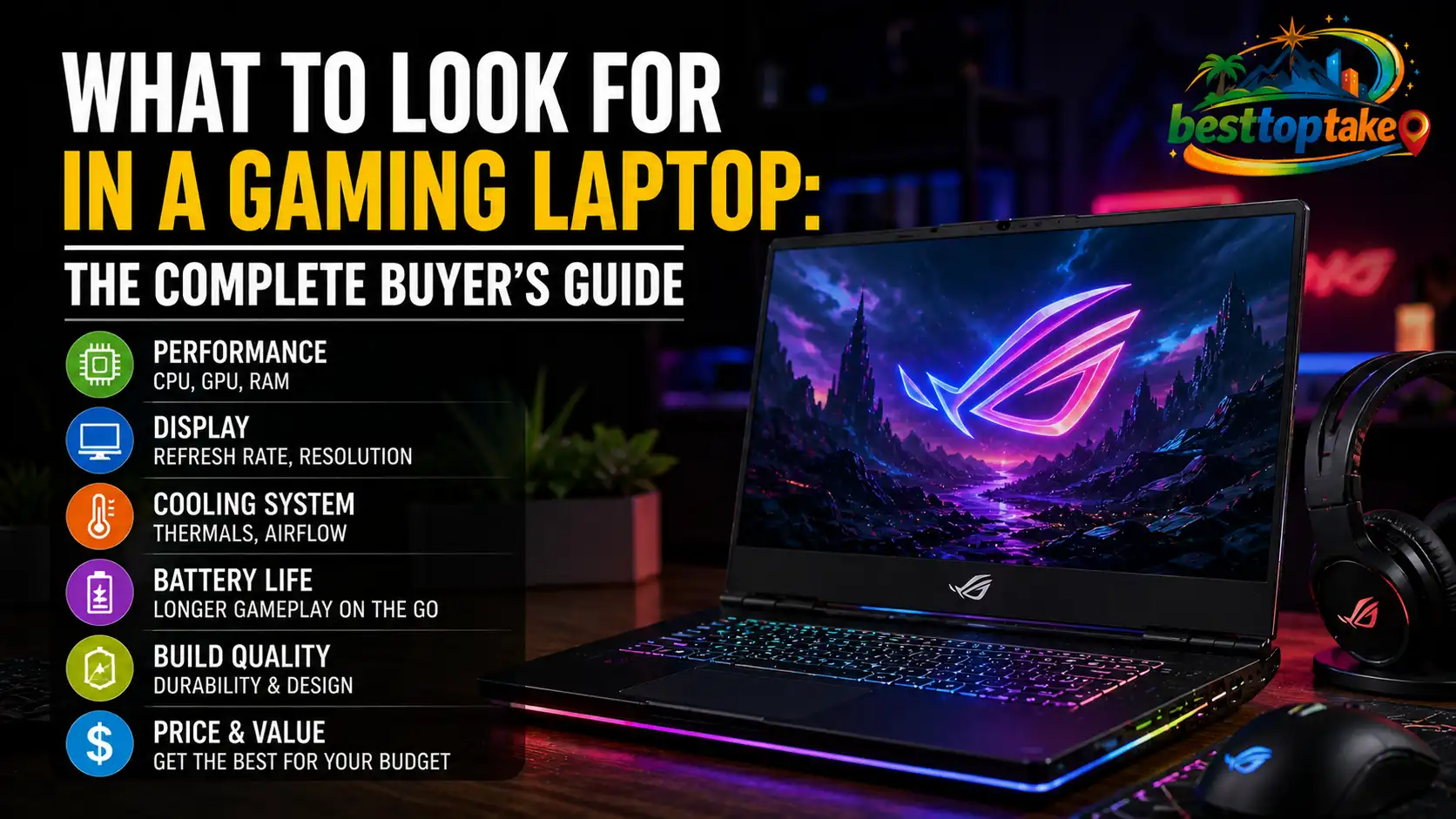
When buying a gaming laptop, the most important things to look for are a dedicated GPU (graphics card), a fast refresh rate display, and enough RAM and storage to handle modern games. Getting these three right means the difference between a machine that lasts you five years and one that frustrates you after six months.
Why Buying the Wrong Gaming Laptop Hurts More Than You Think
You’ve saved up for months. You’ve read dozens of product pages. You finally pull the trigger — and two weeks in, your new laptop struggles to run the games you bought it for. Frames drop. The fans sound like a jet engine. And returns are a nightmare.
I’ve been there. And I’ve seen it happen to friends who spent $800 to $1,500 (USD), £600 to £1,200 (GBP), or AU$1,200 to AU$2,200 on a machine that looked great on paper but failed in practice.
The problem isn’t the price. It’s knowing what to look for in a gaming laptop before you buy.
In this guide, I’ll walk you through every spec that actually matters, explain what to ignore, and help you avoid the traps that catch most buyers off guard. Whether you’re shopping on Amazon US, Currys in the UK, Best Buy in Canada, or JB Hi-Fi in Australia — this advice applies.

The 3 Biggest Mistakes Gamers Make When Buying a Laptop
Mistake #1: Focusing on Brand Name Over Specs
A shiny ASUS or MSI badge means nothing if the specs underneath are weak. Many buyers in the US and UK gravitate toward familiar brands without checking whether the actual hardware matches their gaming needs.
The fix: Compare GPU model numbers, not brand logos. A budget Nvidia RTX 4060 laptop from a lesser-known brand will outperform a mid-range GPU from a premium brand every time.
Mistake #2: Ignoring Thermal Performance
Gaming laptops generate serious heat. A laptop with great specs but poor cooling will throttle — meaning it slows itself down to avoid overheating. You end up with a $1,200 machine performing like a $600 one.
The fix: Before buying, look up thermal benchmarks on YouTube or sites like Notebookcheck. Search the exact model name + “thermal throttling.” This takes five minutes and can save you hundreds.
Mistake #3: Buying Too Little GPU VRAM
Games in 2025 regularly demand 8GB of VRAM at 1080p, and some push beyond that. Buyers who opt for an older GPU with 4GB or 6GB VRAM find their machine can’t handle newer titles even when the rest of the specs look fine.
The fix: Aim for at least 8GB VRAM on your dedicated GPU. If your budget is tight, prioritise GPU VRAM over raw CPU speed — games are far more GPU-dependent.
What to Look for in a Gaming Laptop: The Specs That Actually Matter
1. The GPU (Graphics Card) — This Is the Heart of Your Machine
The GPU is the single most important component in any gaming laptop. It handles all the visual processing — textures, lighting, frame rates, and resolution.
What to look for:
- Nvidia RTX 4060 or higher — solid for 1080p and 1440p gaming in 2025
- Nvidia RTX 4070 or RTX 4080 — for high-refresh-rate gaming or content creation
- AMD RX 7600M or higher — a competitive alternative, often better value in AU and CA markets
- Avoid any laptop GPU with less than 8GB VRAM for modern gaming
“The GPU is non-negotiable. You can upgrade RAM later, but you can never swap out a laptop GPU. Buy the best GPU your budget allows on day one.” — Jarrod’s Tech (Jarrod Smith), Australian tech reviewer and YouTuber
2. The CPU (Processor) — Important, But Not the First Priority
The CPU handles game logic, AI behaviour, physics, and background tasks. Most modern games are not heavily CPU-dependent, but a weak processor can still create bottlenecks.
What to look for:
- Intel Core i7-13th/14th gen or AMD Ryzen 7 7000 series — excellent for gaming
- Intel Core i5 or AMD Ryzen 5 — acceptable for budget builds, but may limit future-proofing
- Avoid anything older than 10th-gen Intel or Ryzen 4000 series in 2025
For Canadian buyers on platforms like Canada Computers or Memory Express, Ryzen-based laptops often offer better value per dollar compared to Intel equivalents.
3. The Display — Where Your Gaming Experience Lives
A great GPU paired with a bad display is like cooking a perfect meal and eating it off a paper plate. The display matters more than most buyers realise.
Key display specs to check:
- Refresh rate: Minimum 144Hz for gaming. 165Hz, 240Hz, or 360Hz for competitive play
- Resolution: 1080p is the sweet spot for battery and performance balance. 1440p if you have the GPU for it
- Panel type: IPS panels offer the best colour accuracy. TN panels are faster but washed out. OLED panels are stunning but pricier
- Response time: Look for 3ms or lower to reduce motion blur
“A 144Hz display transforms the gaming experience compared to a 60Hz screen — it’s not a luxury, it’s a baseline.” — Dave2D (Dave Lee), tech reviewer and creator
If you’re in the UK or Australia, displays marketed as “Full HD” are standard 1080p — perfectly fine for most gaming at this price tier.
4. RAM — More Is Better, But There’s a Sweet Spot
RAM (Random Access Memory) affects how many processes your laptop can handle at once. In gaming, it affects load times, multitasking, and performance in open-world games.
What to look for:
- 16GB minimum — this is the baseline for smooth gaming in 2025
- 32GB — ideal if you stream, record gameplay, or run background apps
- DDR5 RAM — faster than DDR4 and found in most modern gaming laptops
- Check if RAM is upgradeable — some ultraslim gaming laptops solder RAM to the motherboard, making upgrades impossible
5. Storage — Speed Matters as Much as Size
Game install sizes have exploded. Call of Duty alone can eat 150–200GB. Combine that with a few other titles, and a 512GB drive fills up fast.
What to look for:
- 1TB NVMe SSD minimum — ideally with a second M.2 slot for expansion
- NVMe over SATA — NVMe SSDs load games significantly faster
- Avoid HDD-only configurations — mechanical hard drives are far too slow for gaming in 2025
- Check whether the laptop has an extra M.2 slot so you can add storage later without replacing the primary drive
6. Battery Life — The Laptop’s Dirty Secret
Here’s something most gaming laptop ads won’t tell you: gaming laptops have poor battery life. That’s just the nature of high-performance hardware. But there’s poor, and then there’s unusable.
What to expect:
- 2–4 hours under gaming load — this is normal for dedicated GPU laptops
- 6–8 hours for light use (browsing, video)
- Look for laptops with MUX switch support — this lets you switch between integrated and discrete graphics to save battery when not gaming
“Battery life claims on gaming laptops are nearly always measured under light workloads. Expect real gaming battery life to be roughly half the advertised figure.” — Anandtech (former senior editor, now referenced across RTings and Notebookcheck reviews)
7. Build Quality, Keyboard, and Ports
These are the details buyers overlook until they’re actually using the machine daily.
What to check:
- Keyboard: Look for per-key RGB (not just zone lighting) and decent key travel — at least 1.5mm
- Ports: Minimum two USB-A, one USB-C with DisplayPort support, HDMI 2.1, and an SD card slot
- Build material: Aluminium chassis laptops run cooler and feel more premium than all-plastic designs
- Weight: Most dedicated gaming laptops weigh 2–2.5kg (4.5–5.5 lbs). Under 2kg with a discrete GPU usually means thermal compromises
For those shopping in the US through Best Buy or Costco, always check the return policy before buying — gaming laptop return windows vary significantly between retailers.
The Budget Breakdown: What You Can Realistically Expect
Knowing what to look for in a gaming laptop is one thing. Matching specs to your budget is another.
Entry-level ($700–$1,000 USD / £550–£800 / CA$950–CA$1,350 / AU$1,100–AU$1,500):
- RTX 4060, Core i5 or Ryzen 5, 16GB RAM, 512GB SSD
- Good for 1080p gaming at medium-high settings
Mid-range ($1,000–$1,500 USD / £800–£1,200 / CA$1,350–CA$2,000 / AU$1,500–AU$2,200):
- RTX 4060 Ti or RTX 4070, Core i7 or Ryzen 7, 16–32GB RAM, 1TB SSD
- Excellent for 1080p high settings; capable at 1440p
High-end ($1,500–$2,500 USD / £1,200–£2,000 / CA$2,000–CA$3,400 / AU$2,200–AU$3,800):
- RTX 4080 or RTX 4090, Core i9 or Ryzen 9, 32GB RAM, 1–2TB SSD
- Max settings at 1440p; future-proofed for 3–5 years
The Notebookcheck GPU benchmark hierarchy is one of the most reliable independent resources for comparing laptop GPU performance — I refer to it whenever I’m evaluating a new build.
Frequently Asked Questions
How much RAM do I need for a gaming laptop in 2025?
16GB of RAM is the minimum I’d recommend for gaming in 2025. Most modern games sit comfortably within 12–14GB during play, but Windows and background apps take up the rest. If you plan to stream or record while playing, go for 32GB.
Is an RTX 4060 good enough for gaming?
Yes, the RTX 4060 is a solid GPU for 1080p gaming at high settings in 2025. It handles most AAA titles smoothly and supports features like DLSS 3, which boosts frame rates using AI upscaling. It starts to struggle at 1440p in the most demanding games.
Should I buy a gaming laptop with 1080p or 1440p display?
For most buyers, 1080p at 144Hz or higher is the better choice. It’s easier for your GPU to push high frame rates at 1080p, which means smoother gameplay. Choose 1440p only if you have an RTX 4070 or better, and you value visual fidelity over raw frame rate.
How long do gaming laptops last?
A well-specced gaming laptop typically lasts 4–6 years before it starts to struggle with new releases. The GPU is usually the limiting factor. Buying a strong GPU at the time of purchase is the best way to extend your machine’s useful life.
Can I upgrade a gaming laptop after buying it?
It depends on the model. Most gaming laptops allow RAM and storage upgrades via accessible M.2 and SO-DIMM slots. However, the GPU and CPU are permanently soldered and cannot be swapped. Always check the teardown or upgrade options for your specific model before buying.
Final Thoughts: Buy Smart, Game Better
If I had to boil this down to three things, here’s what I’d tell any buyer:
First, prioritise the GPU above everything else. It’s the only component that directly determines what games you can run and at what quality. Buy the best GPU your budget allows.
Second, check the display specs carefully. A high refresh rate display changes how gaming feels. Don’t settle for 60Hz when 144Hz options are available at the same price.
Third, never skip the thermal research. A laptop that throttles under load wastes every dollar you spent on specs. Five minutes on Notebookcheck before you buy can save you months of regret.
You now have everything you need to walk into any store — or open any product listing — and know exactly what you’re looking at. Trust the specs, not the marketing. And buy the machine that fits how you actually game, not how the ad says you will.

“Electronics aren’t just gadgets. They’re the invisible threads that connect our work, our play, and our world.”
I’m Julian Reed, and my obsession with tech started at age twelve, when I soldered a defunct gaming console back to life in my bedroom. That tiny green screen taught me that technology isn’t just a black box, it’s a tool you can master.
After fifteen years as a hardware engineer and a decade reviewing consumer tech, I’ve joined this team to cut through the jargon. Whether you’re building a high-end home theater or just need a laptop that won’t lag, I’m here to help you choose the gear that truly powers your life.



1 thought on “What to Look for in a Gaming Laptop: The Complete Buyer’s Guide”