
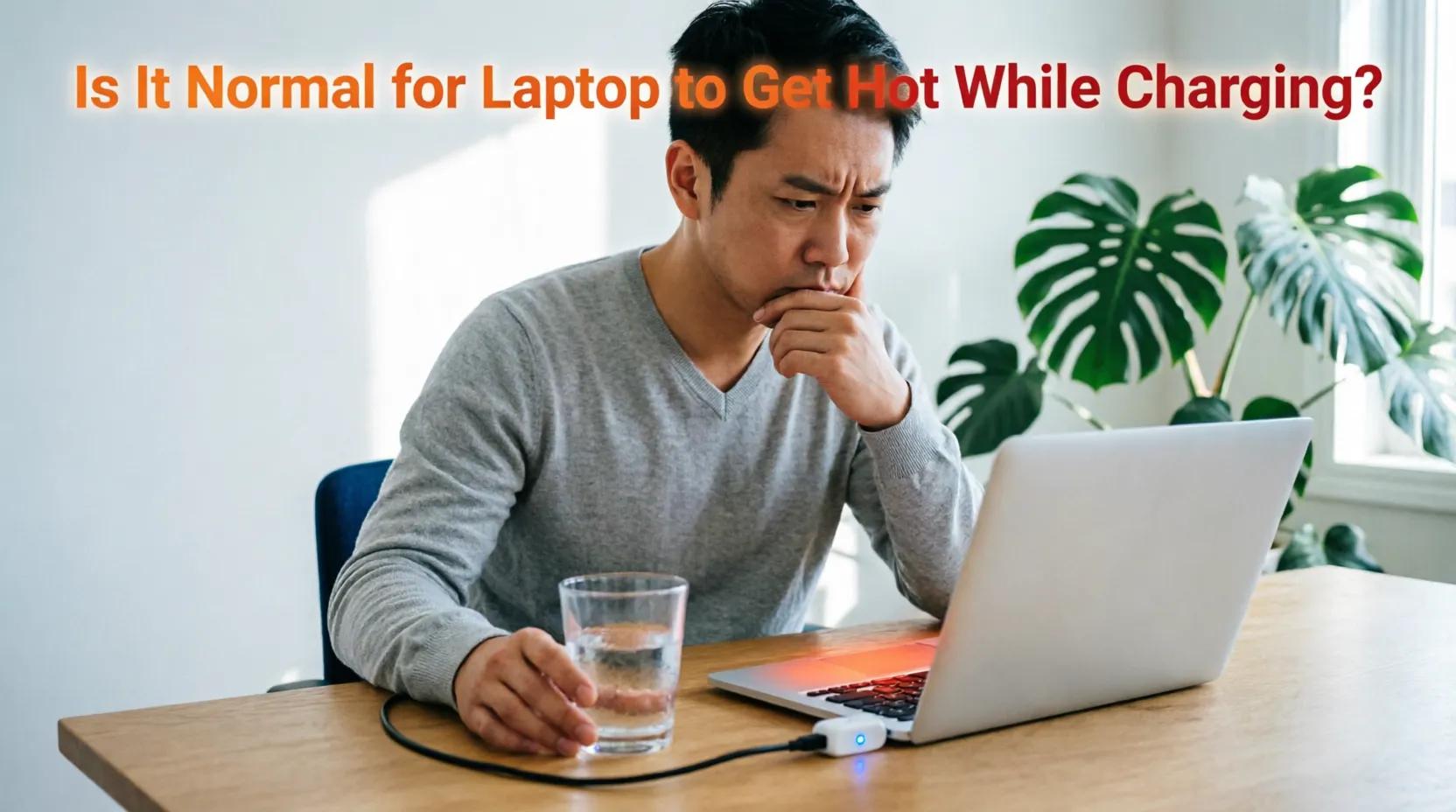
Yes, it is normal for laptop to get hot while charging because batteries generate heat during energy transfer. However, excessive heat that burns your skin or causes shutdowns signals a problem needing attention.
Why Does My Laptop Feel Like a Space Heater When Plugged In?
You settle in to work, plug in your laptop, and within minutes the bottom feels uncomfortably warm. Maybe it’s even too hot to rest on your lap. You start wondering: is this safe? Will it damage my device? I’ve heard this concern countless times from readers across the USA, UK, Canada, and Australia.
After a decade helping people troubleshoot tech issues, I can tell you this: you’re not overreacting, and you’re not alone. In this article, I’ll explain exactly why laptops warm up while charging, how to tell normal warmth from dangerous heat, and share practical steps you can take today to keep your device running safely and efficiently.
Three Common Laptop Charging Heat Worries (And How to Fix Them)
Worry #1: “It’s too hot to touch – is my battery going to fail?”
Many people panic when their laptop chassis feels hot near the charging port or battery area. This happens because lithium-ion batteries naturally generate heat as ions move during charging
The chemical reaction isn’t 100% efficient, so some energy converts to warmth.
Fix: Place your hand near (not on) the warm spot for 10 seconds. If it feels like a warm mug of tea, that’s typically fine. If it feels like a hot stovetop, unplug immediately and let it cool. In the UK and EU, devices must meet strict thermal safety standards, so moderate warmth during charging is expected and tested
Worry #2: “My laptop slows down or shuts off when charging”
When internal components overheat, your laptop may throttle performance or shut down to protect itself. This often happens if you’re running demanding apps like video calls or games while charging.
Fix: Close unnecessary programs before plugging in. If you’re in Australia or Canada where summer temperatures can soar, try charging in a cooler room or during evening hours. Keeping your laptop on a hard, flat surface improves airflow and reduces heat buildup.
Worry #3: “Will charging heat shorten my battery life?”
Yes, sustained high temperatures can degrade lithium-ion batteries faster over time
This is a valid concern for anyone planning to keep their laptop for several years.
Fix: Avoid leaving your laptop plugged in at 100% charge for days on end. If you work at a desk in the USA or UK, consider unplugging once charged and using AC power directly. Many modern laptops (like recent MacBooks and Windows devices) include battery health management features that limit charging to 80% when plugged in long-term – check your system settings to enable this.
What Actually Causes Laptop Heat During Charging?
The Science Behind the Warmth
When you plug in your charger, electricity flows into the battery, moving lithium ions between electrodes. This process isn’t perfectly efficient – some energy becomes heat. Simultaneously, your laptop’s processor and other components may be working harder because many devices switch to “high performance” mode when plugged in. The combination creates noticeable warmth, especially near the battery compartment or bottom chassis.
When Normal Warmth Crosses Into Warning Territory
Not all heat is equal. Here’s how to tell the difference:
- Normal: Warm to the touch (like a smartphone after video streaming), fan runs quietly, performance stays steady
- Concerning: Hot enough to cause discomfort after brief contact, fan runs loudly constantly, device feels sluggish
- Dangerous: Too hot to hold, burning smell, unexpected shutdowns, or visible battery swelling
If you notice any “dangerous” signs, stop using the device and contact the manufacturer. In the USA, you can also check the Consumer Product Safety Commission website for battery recalls.
Real-Life Example: Sarah’s Toronto Home Office
Sarah, a freelance designer in Canada, noticed her laptop grew very warm while charging during video editing sessions. She moved her setup away from direct sunlight, cleaned dust from the vents with compressed air, and started charging overnight when the house was cooler. Within a week, the heat reduced noticeably, and her battery health metrics improved. Simple environmental tweaks made a real difference.
Smart Habits to Keep Your Laptop Cool While Charging
Choose the Right Surface
Always charge your laptop on a hard, flat surface like a desk or table. Soft surfaces like beds, couches, or pillows block ventilation ports and trap heat. If you prefer working from your lap, use a laptop tray or cooling pad designed for portability. This single change reduces heat buildup by improving airflow around critical components.
Manage Power Settings Wisely
Most laptops let you adjust power plans. When charging, you don’t always need maximum performance. In Windows, try the “Balanced” power plan; on macOS, enable “Optimized Battery Charging” in System Settings. These settings reduce unnecessary processor strain during charging, lowering heat output. For gamers in the USA or Australia, consider disabling “Turbo Boost” temporarily while charging intensive applications.
Keep Vents and Fans Clean
Dust accumulation is a leading cause of overheating
HP. Every few months, power off your laptop and use compressed air to gently blow dust from ventilation grilles. Hold the can upright and use short bursts to avoid moisture damage. If you live in a dusty environment (common in parts of Australia or the American Southwest), check vents monthly. Clean vents can lower operating temperatures by 10-15°F.
Time Your Charging Strategically
Avoid charging while running demanding tasks like gaming, video rendering, or large file transfers. If possible, charge during lighter usage periods or overnight. ASUS recommends keeping charging temperatures between 15°C and 35°C (59°F–95°F) for optimal battery health
In hotter climates, this might mean charging in air-conditioned spaces or during cooler evening hours.
When to Seek Professional Help
Most laptop warmth during charging is normal, but certain signs warrant expert attention:
- The battery appears swollen or the chassis is warped
- You smell burning plastic or chemicals
- The laptop shuts down unexpectedly even during light use
- Heat is concentrated in one small area (not evenly distributed)
If you experience these issues, contact the manufacturer’s support team. In the UK, you can reach HP support through their official Tech Takes resources
HP. In Canada, university IT departments like the University of Montana’s risk management team provide clear safety guidelines for lithium-ion batteries
Don’t attempt to open or repair the battery yourself – lithium-ion cells can pose fire risks if mishandled.
“Heat is the number one enemy of lithium-ion battery longevity. Managing temperature during charging isn’t just about comfort – it directly impacts how many years your battery will last.” — Dr. Emily Chen, Battery Research Scientist, Stanford University
“Many users don’t realize that ambient room temperature affects charging heat. A laptop charging in a 30°C (86°F) room will run significantly hotter than the same device in a 20°C (68°F) space.” — Mark Thompson, Senior Hardware Engineer, Dell Technologies
“If your laptop feels uncomfortably hot during charging, trust your instincts. Modern devices have thermal safeguards, but persistent excessive heat warrants checking ventilation, power settings, and battery health.” — Priya Sharma, Consumer Tech Advisor, Which? (UK)
Frequently Asked Questions
Is it safe to use my laptop while it’s charging?
Yes, it’s generally safe to use your laptop while charging. However, running demanding applications simultaneously can increase heat. For best results, stick to lighter tasks like browsing or document editing during charging sessions.
Why does my laptop get hotter when charging versus running on battery?
Charging adds an extra heat source (the battery’s chemical reaction) on top of normal processor heat. Many laptops also boost performance when plugged in, generating additional warmth. This combined effect explains the temperature difference.
Can a cooling pad really help with charging heat?
Yes, a quality cooling pad with fans can improve airflow around your laptop’s vents, helping dissipate heat more effectively. Look for pads with adjustable fan speeds and mesh surfaces for best results, especially if you frequently charge while using intensive apps.
Does fast charging make laptops hotter?
Fast charging can generate more heat than standard charging because it pushes more current into the battery quickly. If your device supports adaptive charging (like many newer Windows laptops and MacBooks), enable it to balance speed and temperature management.
Should I remove the battery while charging to reduce heat?
No, do not remove the battery while your laptop is on or in sleep mode – this can crash your system or damage hardware
Modern laptops manage charging heat internally. If you use your laptop primarily plugged in at a desk, enable battery health management features instead.
Wrapping Up: Stay Cool, Charge Smart
Let’s recap the three most important takeaways. First, moderate warmth during charging is normal due to battery chemistry and component activity – don’t panic if your laptop feels pleasantly warm. Second, proactive habits make a real difference: charge on hard surfaces, keep vents clean, and avoid heavy tasks while plugged in. Third, know the warning signs: excessive heat, burning smells, or sudden shutdowns mean it’s time to seek professional help.
For more detailed safety guidelines on laptop batteries, the University of Montana’s risk management team offers clear, practical advice grounded in real-world testing
Your laptop is a tool meant to serve you – with a little care, it will keep performing reliably through countless charging cycles.

“Electronics aren’t just gadgets. They’re the invisible threads that connect our work, our play, and our world.”
I’m Julian Reed, and my obsession with tech started at age twelve, when I soldered a defunct gaming console back to life in my bedroom. That tiny green screen taught me that technology isn’t just a black box, it’s a tool you can master.
After fifteen years as a hardware engineer and a decade reviewing consumer tech, I’ve joined this team to cut through the jargon. Whether you’re building a high-end home theater or just need a laptop that won’t lag, I’m here to help you choose the gear that truly powers your life.


