How to Check CPU & GPU Temps (Fast & Accurate)

Laptop displaying CPU and GPU temperature monitoring software with real-time temperature readings, showing how to check CPU and GPU temps quickly and accurately on a Windows laptop.

You can check your CPU and GPU temperatures using free tools like HWMonitor, MSI Afterburner, or Core Temp for Windows, TG Pro for Mac, or built‑in overlays in gaming software. For a quick check, reboot into your BIOS/UEFI to see CPU temp. Most CPUs run safely under 85°C, GPUs under 90°C during heavy loads. Modern … Read more

Best Gaming Laptops: Top Picks for Performance and Value

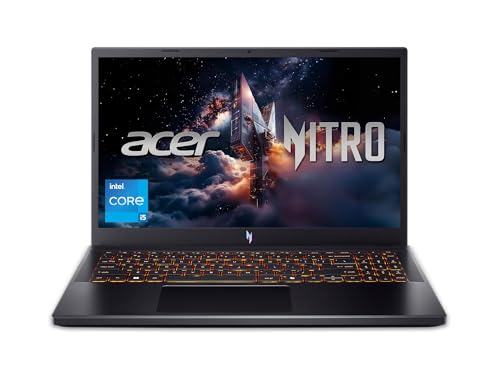
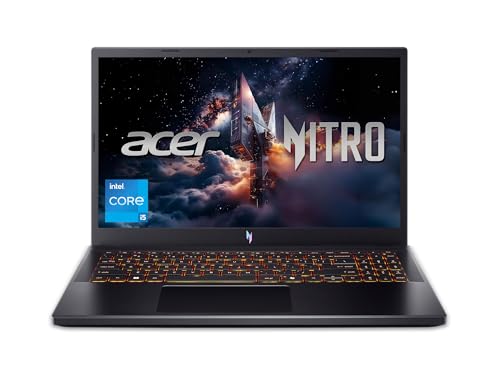
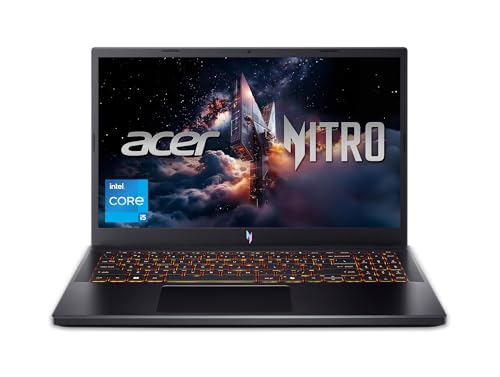
Finding the perfect gaming laptop can change your daily life. You might be grinding through competitive esports, exploring vast open worlds, or balancing work and play on the go. With so many options, picking the right one feels overwhelming. Processing power, graphics capability, and cooling efficiency – they all matter. We’ve spent weeks testing the … Read more

Stop Laptop Overheating Without a Cooling Pad

"Thoughtful man in gray sweater with hand on face looking at laptop with orange-red glow from keyboard area on wooden desk with white lamp and monstera plant. Text overlay reads 'Stop Laptop Overheating Without a Cooling Pad'"

To stop your laptop from overheating without a cooling pad, you should: 1) ensure it sits on a hard, flat surface like a desk, 2) regularly clean the air vents with compressed air to remove dust, and 3) close any background programs you’re not using and adjust your Windows power settings to “Balanced” or “Power … Read more

How to Check Laptop Temperature With Task Manager

Laptop displaying Windows Task Manager performance tab with CPU temperature reading, showing how to check laptop temperature and monitor system performance on a Windows laptop.

You can check your laptop temperature with Task Manager by opening Task Manager, navigating to the Performance tab, selecting your dedicated GPU, and viewing the temperature reading displayed near the bottom of the panel. However, Task Manager only shows GPU temperature on supported hardware and does not display CPU temperature, so you may need additional … Read more

Best Gaming Laptops: Top Picks for Performance and Value

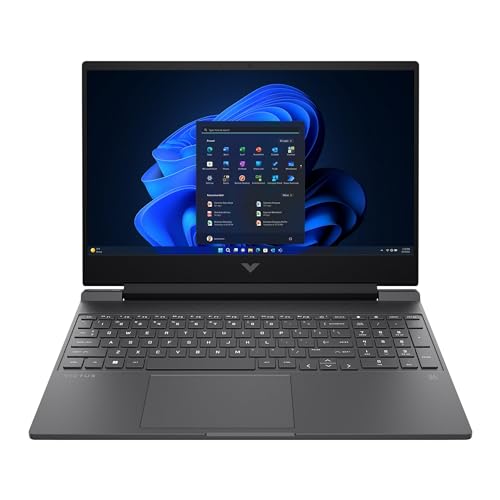
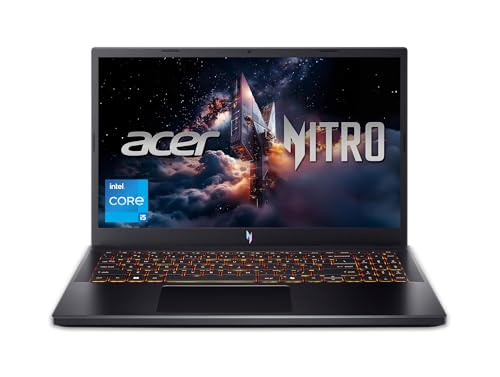
Finding the perfect gaming laptop can change your daily life. You might be a student needing portability, a casual gamer wanting smooth play, or a budget-conscious buyer seeking power without breaking the bank. With so many options, picking the right one feels overwhelming. Processor speed, graphics capability, and display quality – they all matter. Each … Read more

Is It Okay If My Laptop Is Very Hot? (Safe vs. Dangerous)

"Concerned man in gray sweater with hand on chin looking at laptop with orange-red glow from keyboard area on wooden desk. Text overlay reads 'Is It Okay If My Laptop Is Very Hot?'"

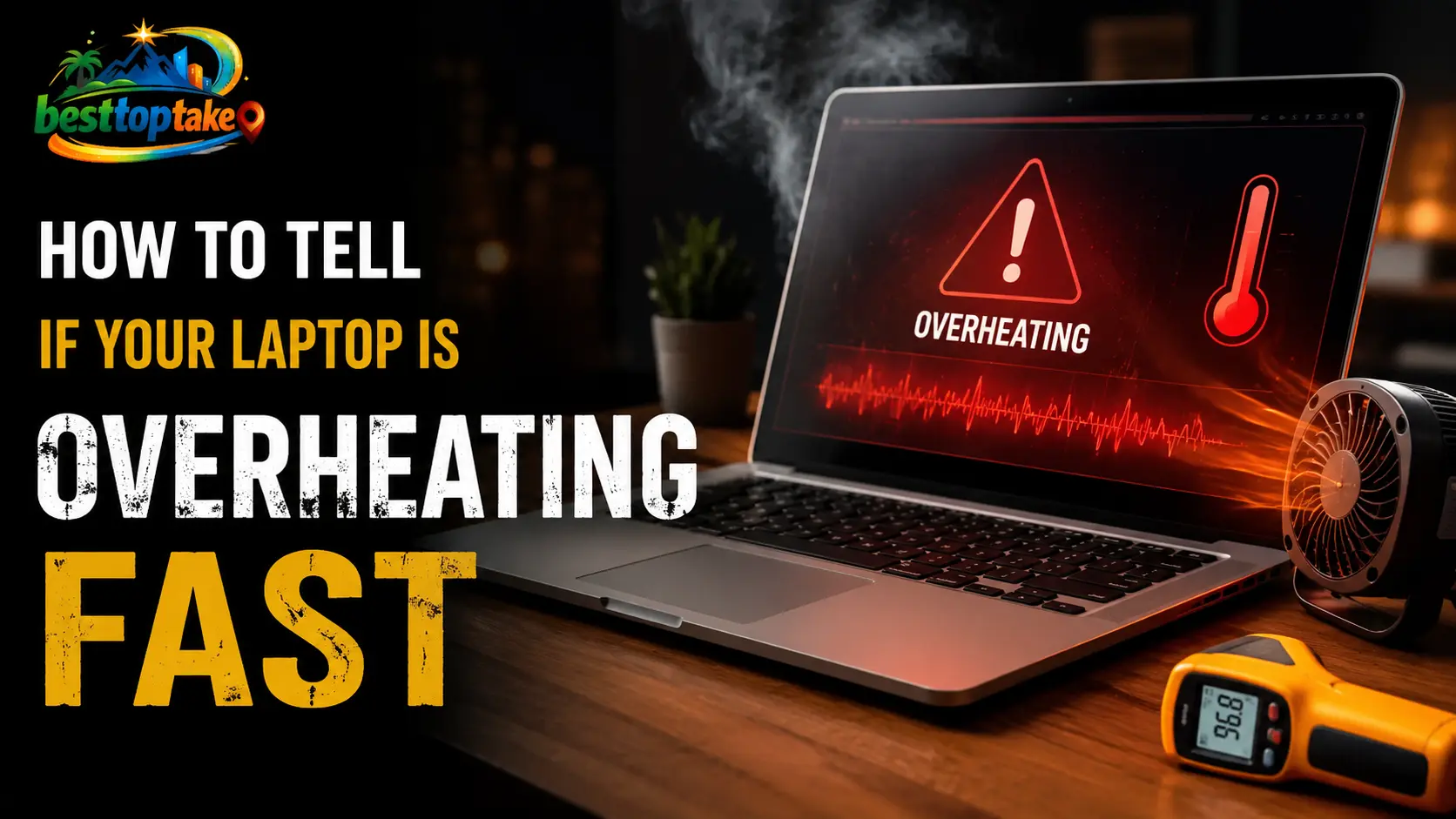
No, it is not okay for your laptop to feel “very hot” to the touch on a regular basis. While laptops naturally generate heat under load, surface temperatures above 95°F (35°C) feel hot, and internal CPU/GPU temperatures above 185°F (85°C) can reduce performance and shorten lifespan. Occasional warmth is fine, but very hot — especially at idle or during light tasks … Read more